

Embedding a Youtube or Vimeo video
It’s simple to show a video on the site.
But before we start please
Do not upload videos to the site.
We do not have the disk space or bandwidth to serve videos. All videos should be uploaded to a site like Youtube or Vimeo. We can embed them from there.
The steps are:
- Find the Youtube / Vimeo link that has the video you want to embed. For example www.youtube.com/watch?v=KLEmbKV_voc
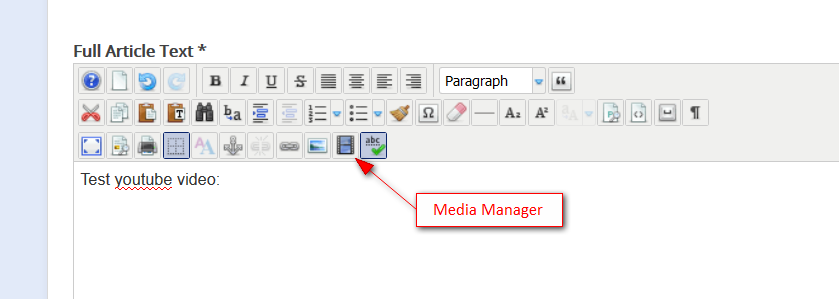
- Click the media manager
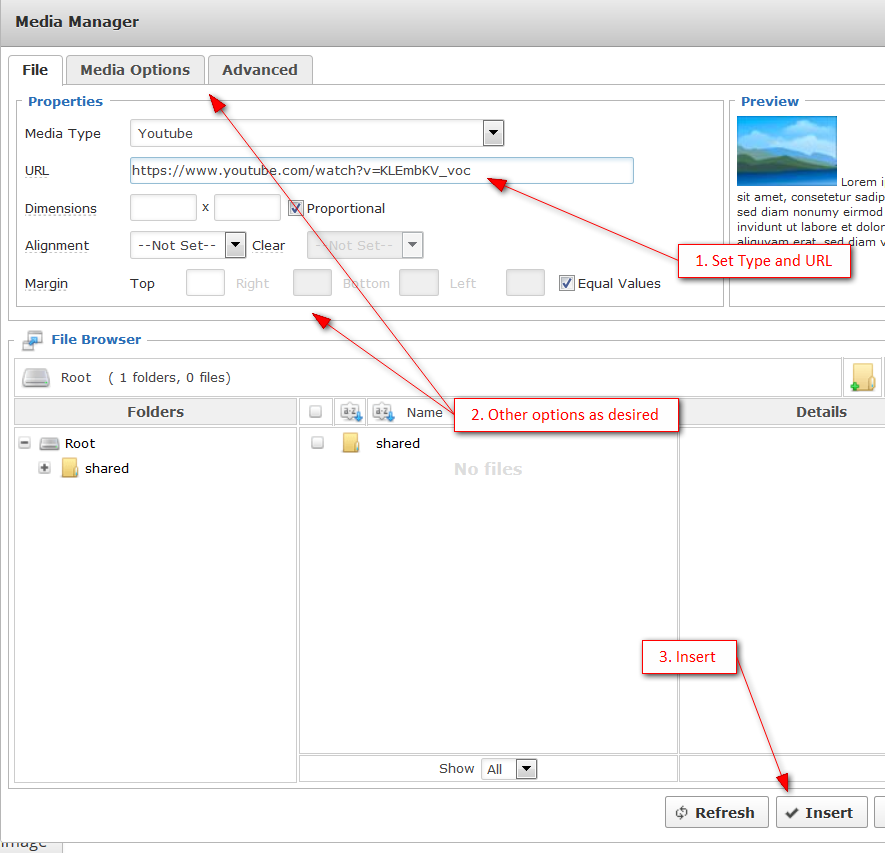
- Set the options and Insert the video
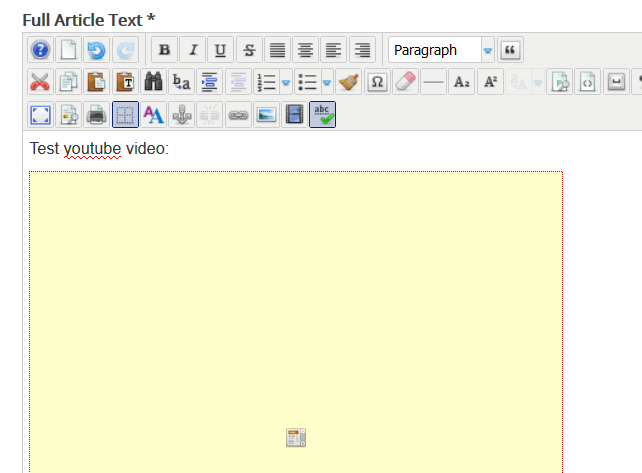
- The editor shows the outline of the video on the page. You can edit it by using the Media Manager button again to place it on the page the way you like.
Enjoy!
Website